Home > Physical Records
この記事をダウンロードPhysical Records
In the Physical records section, you can manage physical content, including boxes, folders, records, and custom containers, throughout their lifecycle.
Physical records management involves two types of user roles. Before managing physical content, create security groups to define each role and assign the appropriate permissions. For detailed instructions on creating security groups and assigning permissions for physical records management, refer to Manage Accounts.
The two types of roles are:
-
Records managers have full control over specific locations in physical records management. The locations they can manage depend on the permissions assigned to them.
-
End users can perform the following actions:
-
Submit requests to retrieve the physical content they need. This action requires specific permissions.
-
Return borrowed physical content. This action requires specific permissions.
-
Grant other end users access to physical content they can access. This action requires specific permissions.
-
Manage related records. No permission restrictions.
-
View activities on physical content. No permission restrictions.
-
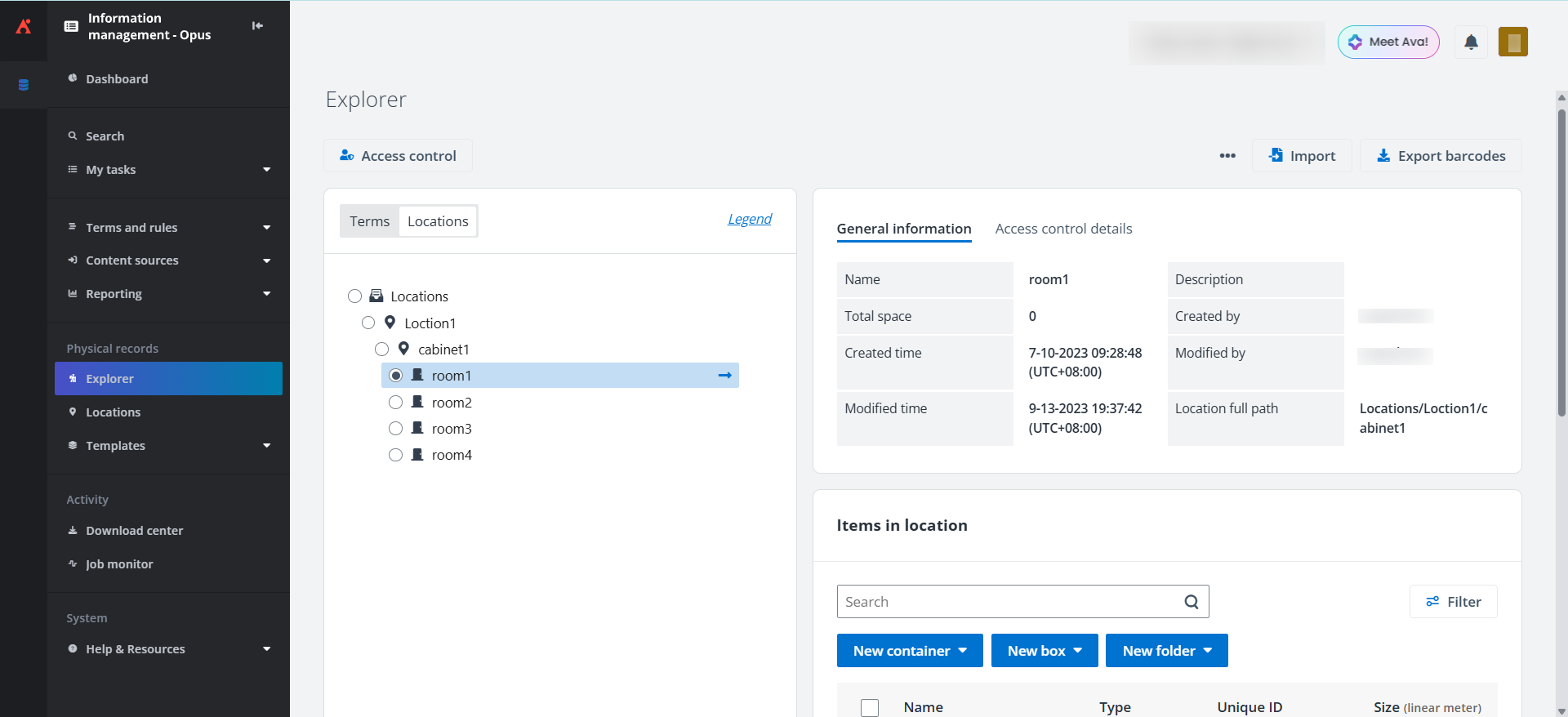
The screenshot below shows the records manager view of physical records management. Depending on the permissions assigned to the records manager role, they may not have access to all the features shown in the screenshot.
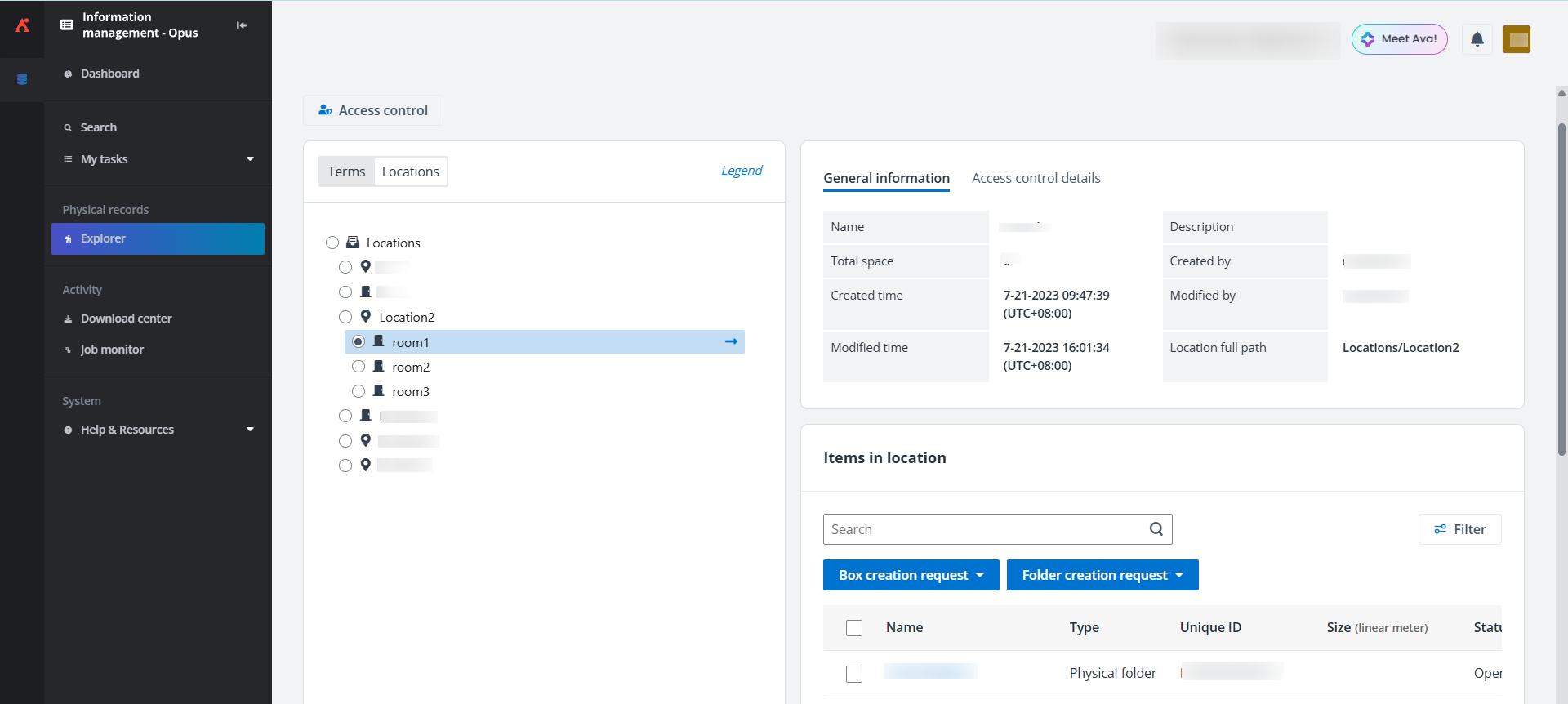
The screenshot below shows the end-user view of physical records management. Available features depend on the permissions assigned to the end user role.