Home > tyGraph Support Articles > Fix "Uncertified visuals from AppSource"
この記事をダウンロードFix "Uncertified Visuals from AppSource"
Some tyGraph reports use Microsoft's Network Navigator Chart visual. Although it is a Microsoft visual, it is not certified. If your tenant blocks uncertified visuals, the Network Navigator Chart will not load and the following error message will appear.
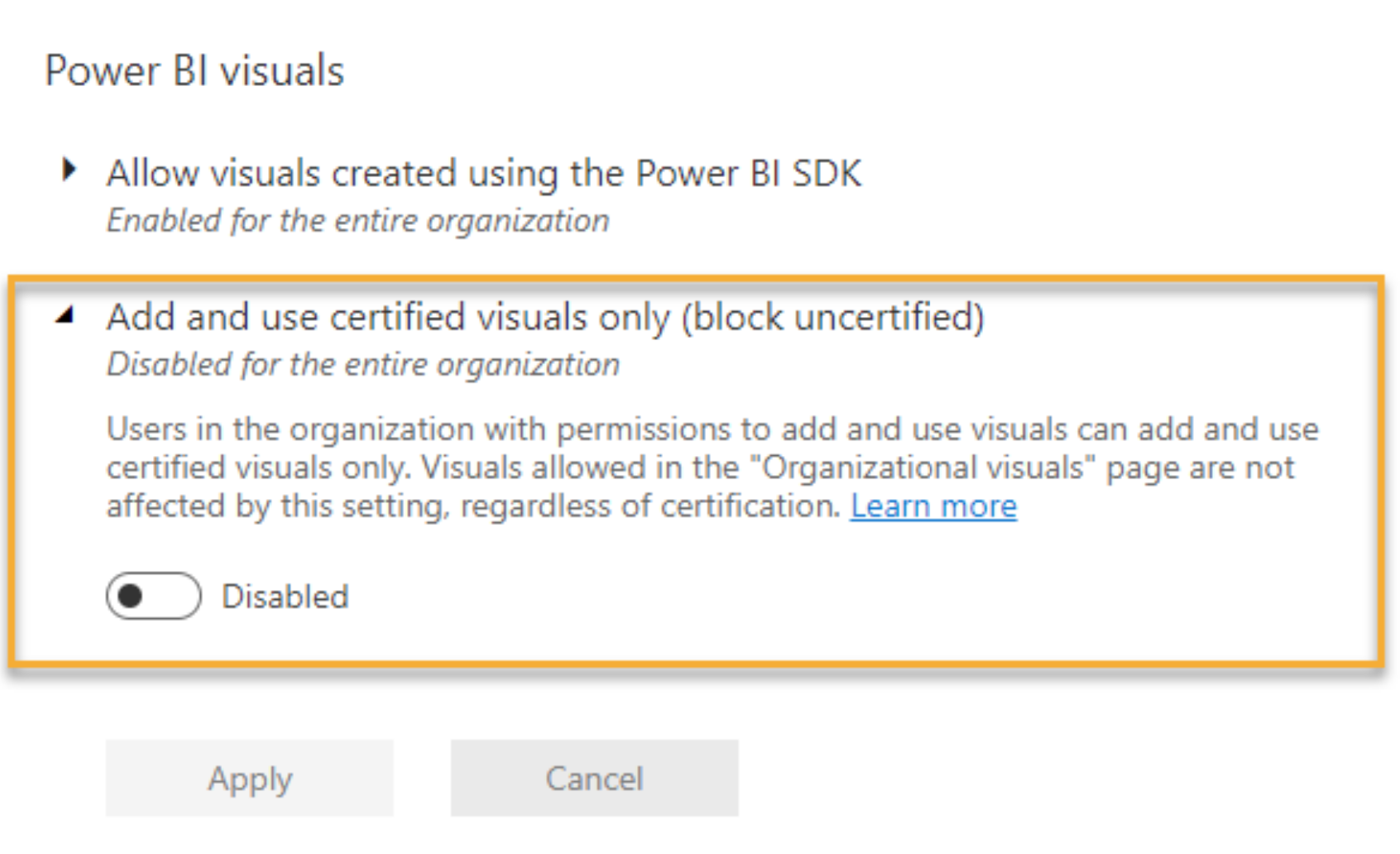
Uncertified visuals from AppSource, or added from a file, are not available due to your admin settings, unless the visual was added by the admin to the "My organization" page. Your admin can confirm the settings in the Power BI Admin portal at https://app.powerbi.com/admin-portal/tenantSettings. See Power BI visuals > Add and use certified visuals only (block uncertified).
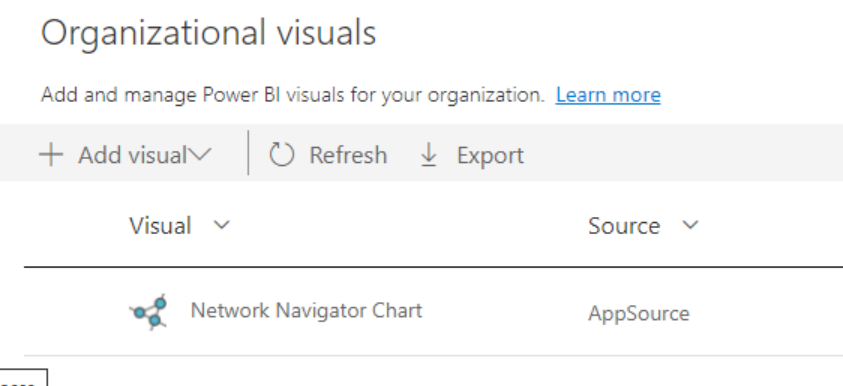
You can add the Network Navigator Chart to your tenant through the Power BI Admin portal at https://app.powerbi.com/admin-portal/organizationVisuals.
-
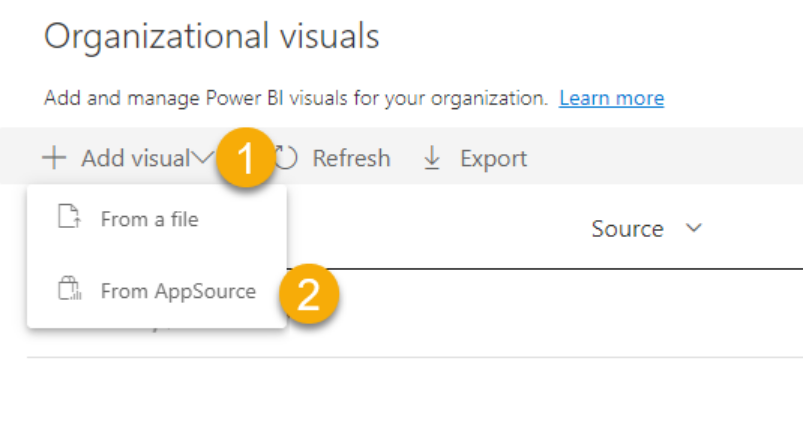
Click Add visual.
-
Select From AppSource.
-
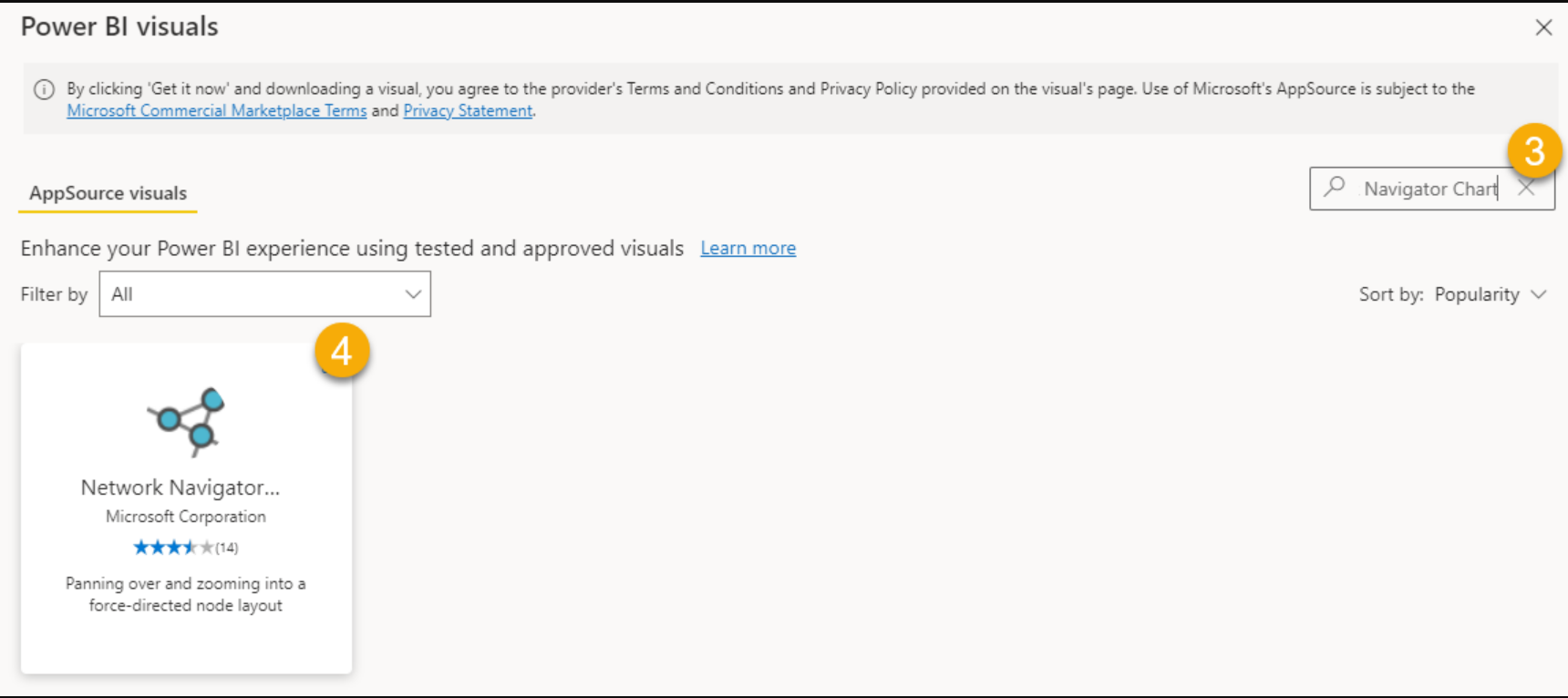
Search for Network Navigator Chart.
-
Select Network Navigator Chart.
-
Click Add.
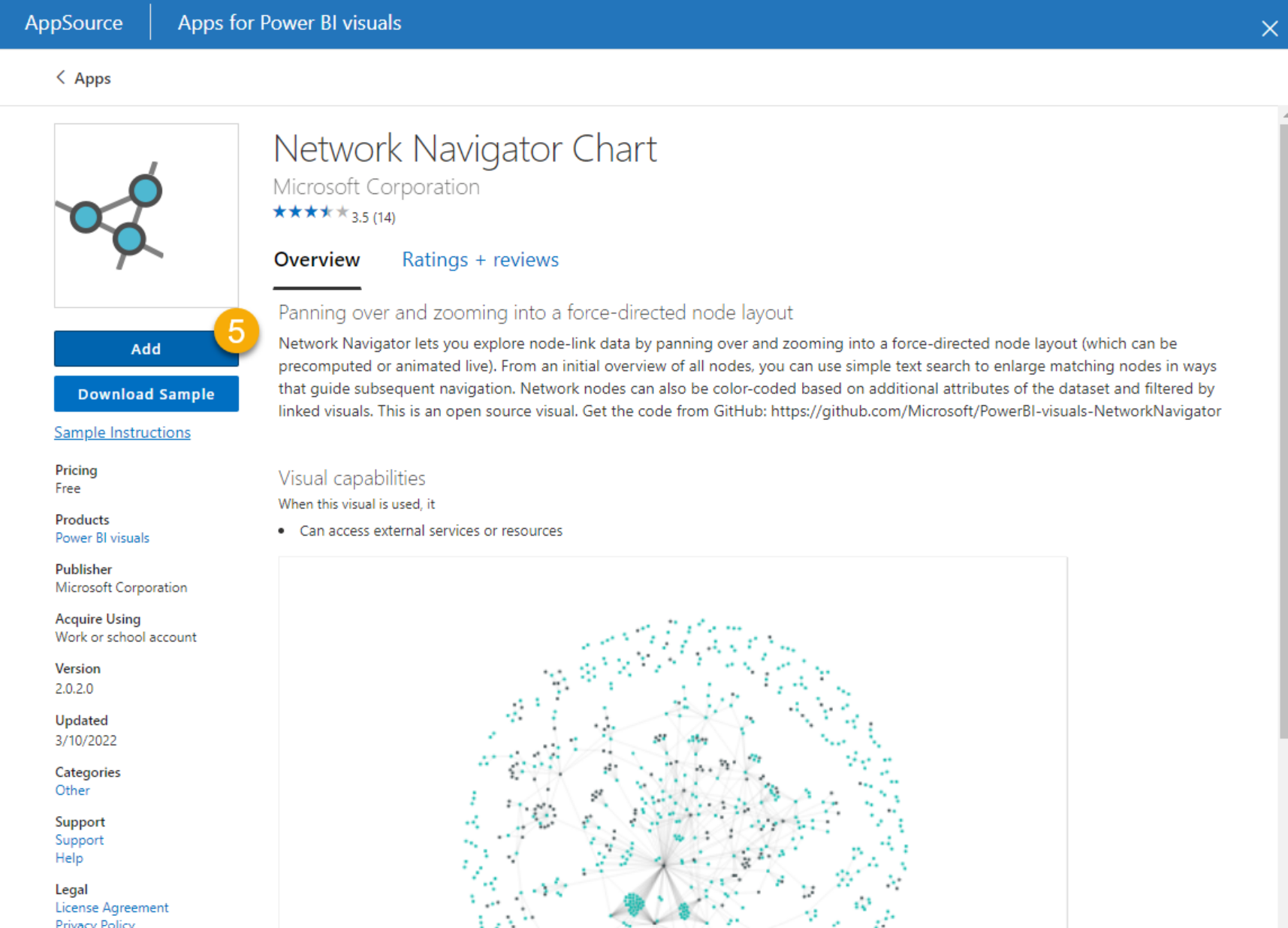
The Network Navigator Chart should then appear as installed and available for use in tyGraph reports.