Home > tyGraph Support Articles > Email Campaign Tracking with tyGraph Pages
Download this articleEmail Campaign Tracking with tyGraph Pages
tyGraph Pages supports UTM campaign tracking in selected scenarios. Although tyGraph Pages is not an email campaign platform, it can capture tracking parameters added by your own third-party or custom email tools. To use this feature, you must update the links in your email templates.
This type of campaign tracking is intended for internal organizational use. It does not track activity for external users, such as recipients of public or external news digests.
What Can tyGraph Pages Track?
tyGraph Pages supports tracking email links that use UTM parameters and point back to SharePoint page URLs, such as site pages or news articles.
Implement Link Tracking in Emails for SharePoint Pages
For any email link that you want to track, add one or more of the following parameters to the end of the URL:
- utm_campaign: Free-form text that identifies the name of the campaign.
- utm_source: Free-form text that identifies the source of the link, such as
yammer,teams,email, orlinkedin. - utm_medium: Free-form text that identifies the marketing or communication medium, such as
banner,social, orpaid_press_release. - utm_term: Free-form text that identifies the associated search term or topic, such as
company_holidays,new_product_launch, orslt_memo. - &: Separates one URL parameter from the next.
- ?: Indicates the start of the query string. Only one
?should appear in a URL.
At a minimum, we recommend using utm_campaign.
Example:
https://tenantname.sharepoint.com/sites/Comms/SitePages/My-Page.aspx?utm_campaign=UTM_support_post&utm_source=email
Reporting on Email Tracking
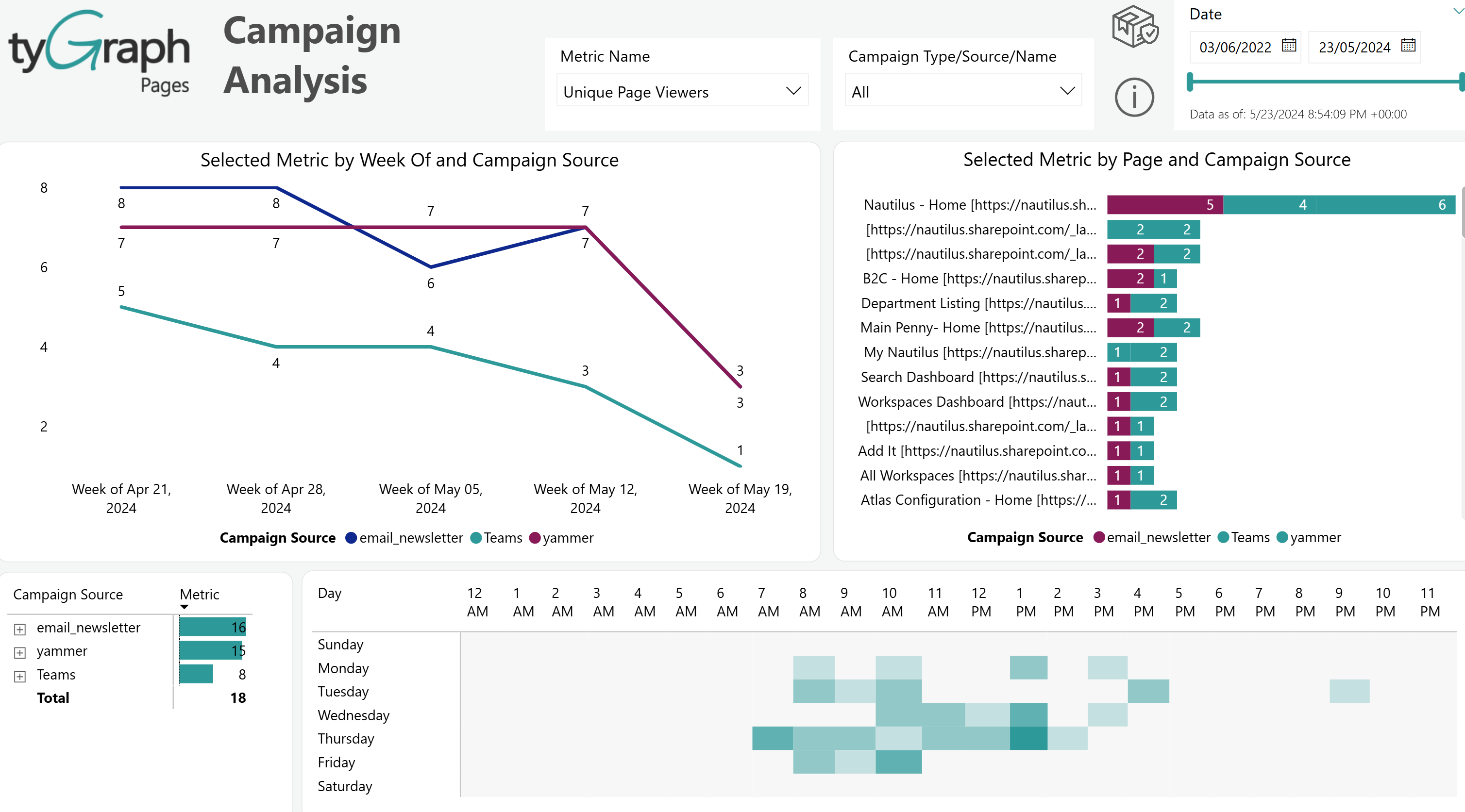
Email campaign tracking appears on the Campaign Analysis page in the tyGraph SP Analytics report.
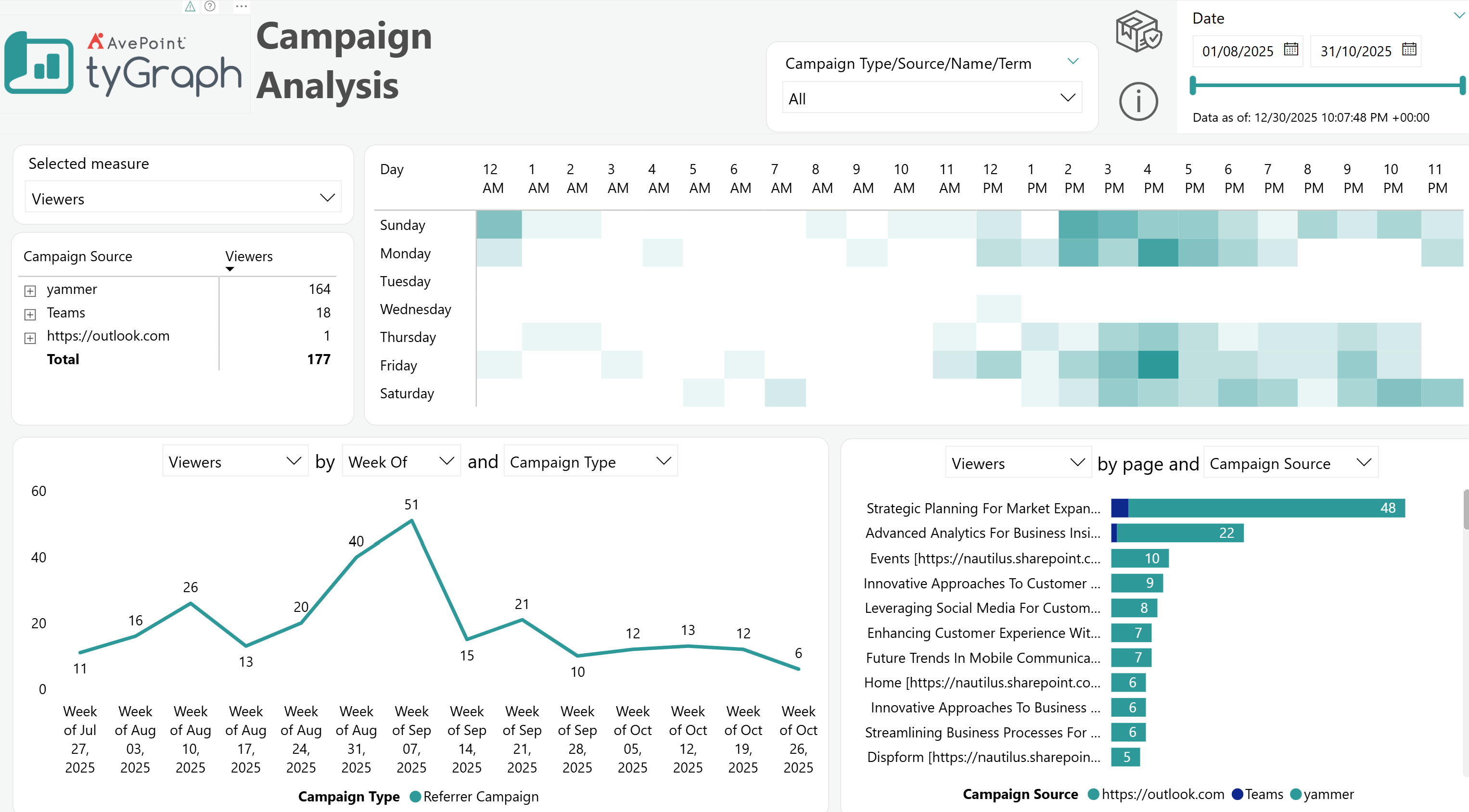
It also appears on the Campaign Analysis page in the tyGraph Pages (legacy) report.