About AvePoint Cloud Backup for Microsoft 365
AvePoint Cloud Backup for Microsoft 365 ensures resiliency of service in the event of a disaster and quickly recovers lost or corrupted content from your backup. AvePoint Cloud Backup for Microsoft 365 offers backup capabilities using AvePoint Cloud Backup and AvePoint Cloud Backup Express -Powered by Microsoft 365 Backup Storage.
- **AvePoint Cloud Backup** supports backup for all Microsoft 365 instances, such as Exchange Online, OneDrive, SharePoint Online, Microsoft 365 Groups, Teams, Microsoft Teams Chat, Project Online, Public Folders, Viva Engage, Power BI, Power Automate, and Power Apps to protect your data. These object types are backed up and restored independently of one another.

- **AvePoint** **Cloud Backup Express** offers backup services for Exchange Online, OneDrive, SharePoint Online, Teams and Microsoft 365 Groups. Powered by Microsoft 365 Backup Storage, Microsoft is responsible for maintaining the backup policy to generate the recovery points, and the recovery points will be synced to AvePoint Cloud Backup Express every 6 hours.
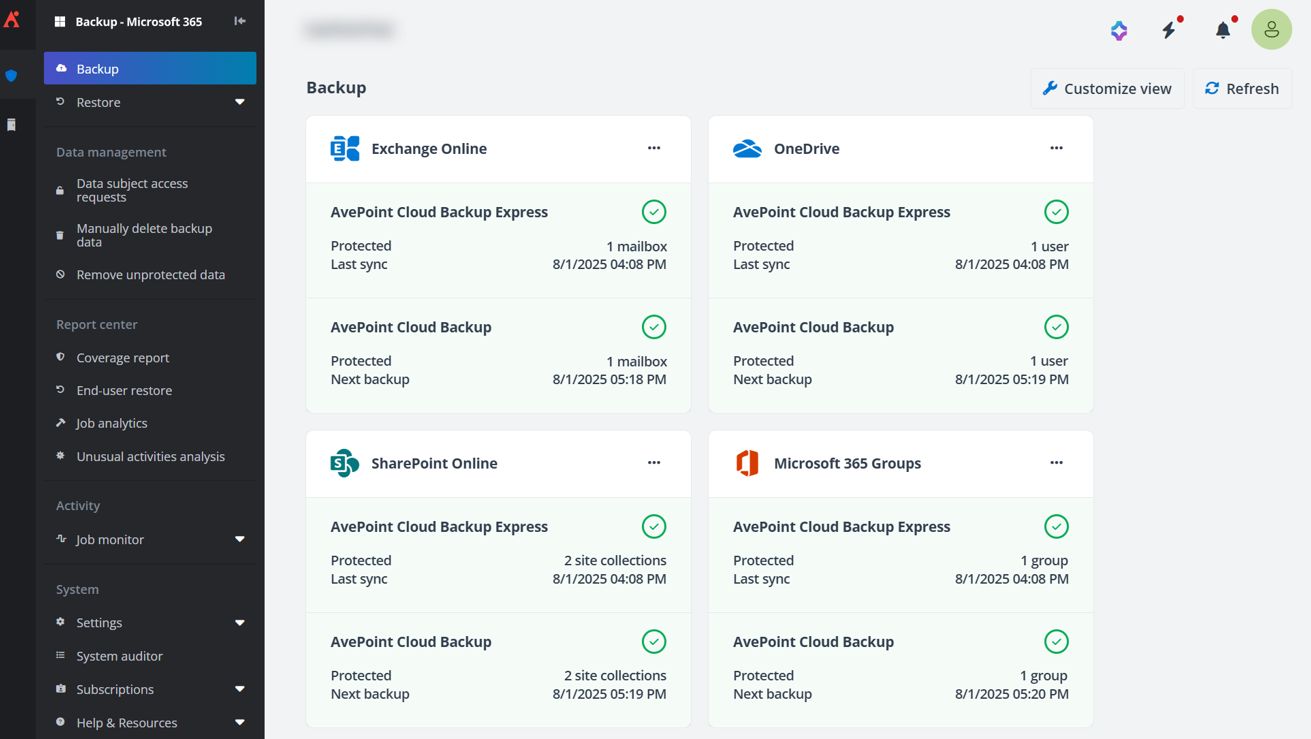
The date format displayed in the interface and job reports follows the Culture settings in AvePoint Online Services.
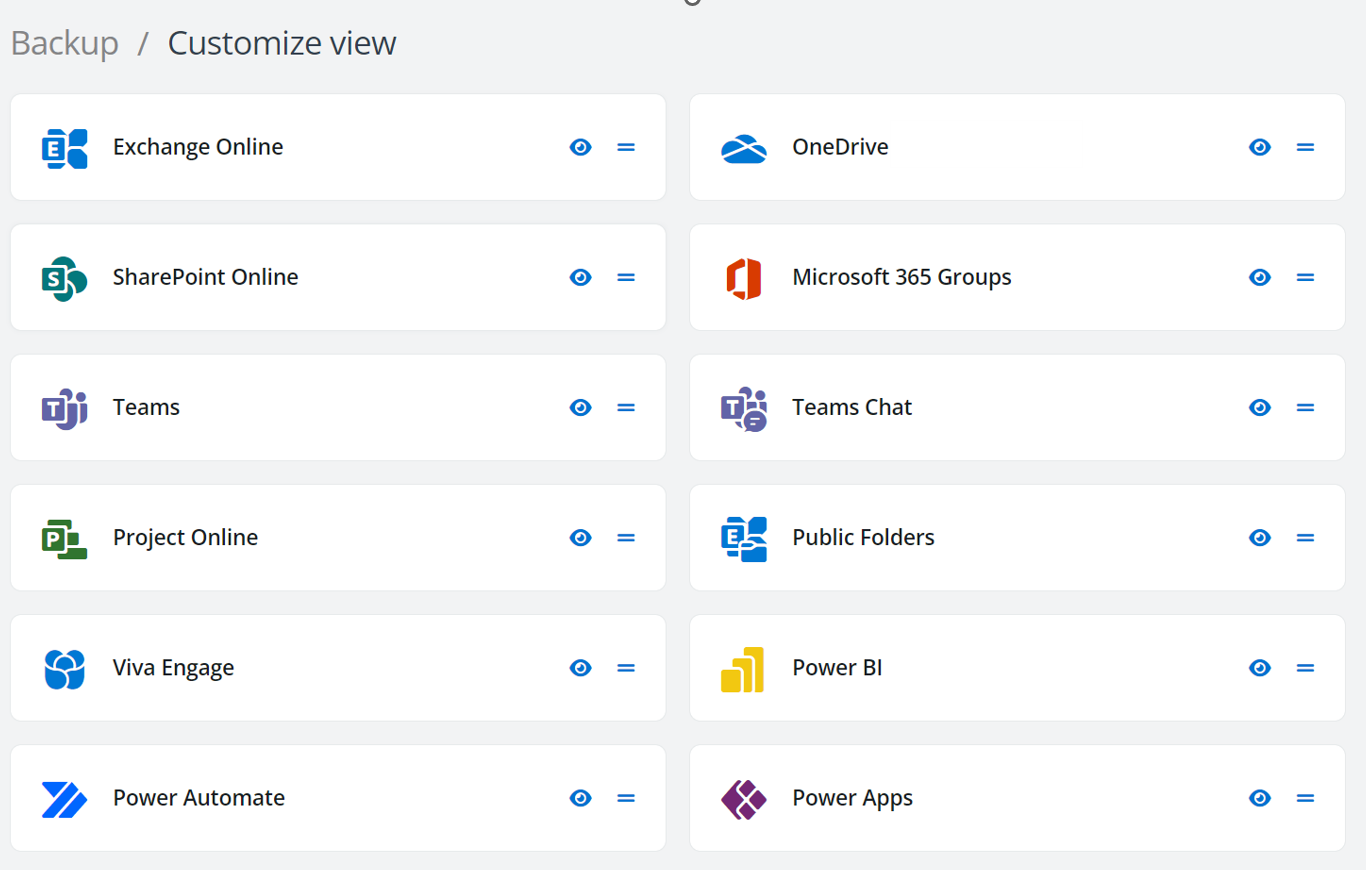
You can also customize the view of the Backup or Restore page to hide or show the workspace of each service and change their display order by drag & drop.
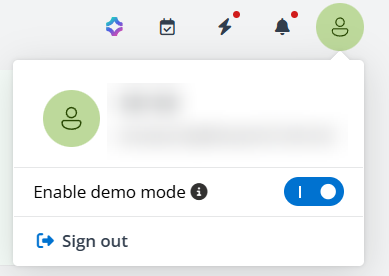
In the Cloud Backup for Microsoft 365 interface, the following actions are available on each page:
- The **Notification center** displays alerts for subscription expiration, out-of-policy conditions, and changes to BYOS.
- 
- With **Quick check**, you can review the backup configurations on app profiles, scan profiles and service accounts, and take the necessary actions as soon as possible to ensure your data is properly protected. To refresh the configuration information, click **Refresh**.
- For any product-related questions, you can easily get assistance from our chatbot. Just click the Ask Ava icon at the upper-right corner of the page to start a conversation with AVA (AvePoint’s Virtual Assistant). For the answers provided by the chatbot, you can click the thumbs up or thumbs down icons to give your feedback.
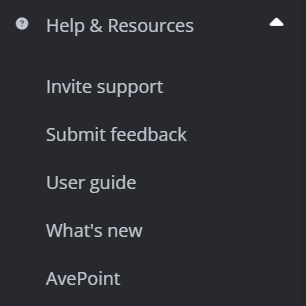
The Help & Resources section on the left navigation pane contains the user guide and release notes links to help you catch up with what’s new and direct you to the AvePoint Online Services interface to submit feedback or invite support for assistance.
AvePoint Online Services now integrates with Cloud Backup for Microsoft 365 to provide reports in Command centers.
- The **Data Resiliency** command center provides reports on purchased workspaces, consumed storage capacity, and storage usage history.

- In the **Optimization & ROI** command center, the top dashboard provides the module protected percentage, the total data size protected and restored by Cloud Backup for Microsoft 365, and the corresponding growth rate over the past 30 days.

- In the **Risk** **Posture** command center, the **Backup scope** dashboard displays the number of objects within the backup scope compared to the total objects detected over the past 12 months. The **Unusual activities analysis (ransomware events)** dashboard shows the number of objects under potential ransomware attacks and those with unusual activities in Microsoft 365 in the past 7 days.
Single Sign-On
With Single Sign-On(SSO) supported, you can access Cloud Backup for Microsoft 365 interface via direct URL without providing user credentials once it is detected that you have signed into the AvePoint Online Services interface.
Supported Languages
AvePoint Cloud Backup for Microsoft 365 interface supports being browsed in French, German, Korean, and Japanese if the default language or the first preferred language of the browser you are using is French, German, Korean, or Japanese. If you are using Cloud Backup for Microsoft 365 in the data center operated by 21Vianet in China, the interface can be displayed in Chinese (Simplified). In other cases, the interface will be displayed in English.
